Blog · August 14, 2026
Pick samples by how they actually sound
Every sample you own has two descriptions. The filename is the one you can search. The sound is the one you actually want. A name search never reaches the sound, which is why finding a kick means clicking through forty results, and why the one you settle on still needs nudging around on the grid ten minutes later.
Dawbrain now reads the audio itself. Ask it for a kick and it opens the candidates and measures them: how hard the transient hits, how much dead air sits in front of it, whether the file is already clipped, whether its stereo is real. Not the metadata, not the filename. The waveform.
”Which of these actually hits hardest?”
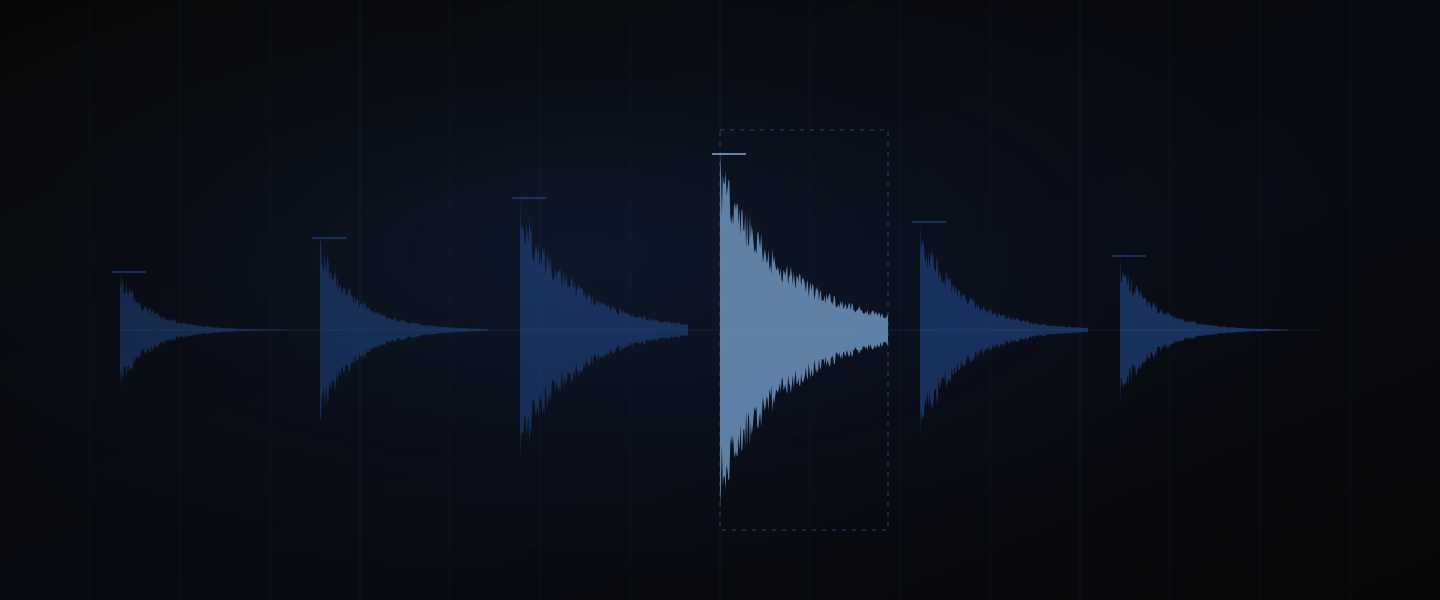
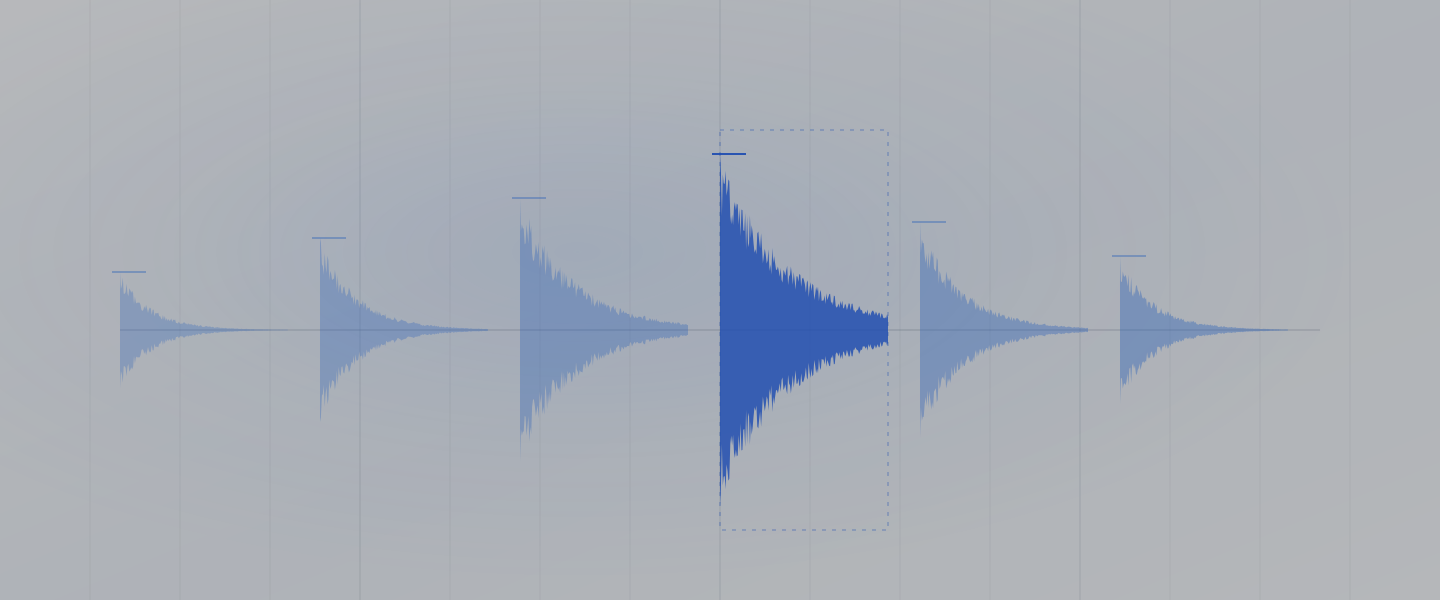
Find me six 808 kicks from my library and tell me which one hits hardest.
Dawbrain searches, then reads the six files and compares them: how high each one peaks, how loud it sits on average, and the distance between the two. That distance is what your ear calls punch. A kick that peaks at full scale and averages 12 dB below it still has a transient to give you. One that peaks at full scale and averages 3 dB below it has already been flattened by whoever made the pack, and it will sit dull under your bus compressor no matter what you do to it.
It reads brightness too, so “the darker of those two” and “something brighter for the second drop” stop being vague requests. Ask for a shortlist and you get one, with the reason attached, from your own library rather than a store’s.
This is one round. Six candidates opened, measured and ranked before you have listened to any of them, and you still get the final say, because you can hear what a number cannot.
”Find me more that sound like this one”
That’s the snare. Find me five more like it.
Point at a sample you already like and ask for more of them. Dawbrain ranks your library by how things sound rather than what they’re called, so the results cross folders and packs freely: the nearest matches to your rimshot are usually other rimshots, out of packs you would never have thought to compare, presets included.
It is good at what a sound is and weaker on what it’s like. Kick, rimshot, clap, closed hat it gets right. “Something with a similar vibe” it will answer too, and that answer is a starting point rather than a verdict.
It also tells you what your filenames won’t. BD_4.wav in a folder called Vol 3 is a kick, and Dawbrain will say so, right about nine times in ten. It says when it’s inferring rather than reading a label, so you know how much to trust the answer.
Two things it won’t find: anything longer than a minute, and a pack so new your library hasn’t caught up with it yet.
Hear it without leaving the chat
Every sample Dawbrain finds comes back as a chip you can play, the sound-alikes above included. Click it and the file auditions through Live’s own browser preview: nothing loads into your Set, no track appears, nothing to undo when it is the wrong one. Click another and the first stops. Live’s Preview switch, the headphone icon at the bottom of the browser, has to be on.
That closes the loop on ranking. Dawbrain narrows forty files to six and tells you which one measures hardest, and you spend fifteen seconds hearing whether you agree.
The dead air that makes your hits late
Here is a problem you have definitely had without diagnosing it.
A one-shot with 40 ms of silence in front of the transient is extremely common. Place that file on the beat and the sound arrives 40 ms late, because the beat lines up with the start of the file, not the start of the hit. At 140 BPM that is close to a 32nd note of drag. What you hear is not “this sample has dead air.” What you hear is that your drums feel sloppy, and you start nudging things by ear and blaming your own timing.
Producers deal with this by batch-trimming whole libraries, which is an afternoon of work in exchange for never thinking about it again.
Dawbrain measures the silence at the head of the file, converts it to bars at your project’s tempo, and places the clip so the transient lands where you asked for it instead of where the file starts. At 120 BPM, 40 ms is 0.02 of a bar. Nobody nudges by 0.02 of a bar by hand.
It also reads the sample’s real duration and its loop length in bars as it loads, so a two-bar loop is treated as two bars rather than as whatever the browser guessed.
Clipping you would otherwise meet on the master
Before I commit to any of these, check none of them are already distorted.
Peaking at full scale and clipping are different things, and most tools blur them. A properly normalized sample touches 0 dBFS and is perfectly clean. A clipped one has flat-topped runs where the waveform ran out of room and squared off. Dawbrain counts those runs, so it can tell you the loud one is fine and the other one is damaged.
It reads DC offset as well, which quietly eats headroom on every sample it affects.
Neither of these is hard to check. It is just that nobody checks forty files by hand, so the crunch gets found three hours later on the mix bus, when it is baked into six other decisions.
The wide pad that turns out to be mono
Dawbrain reads channel count and how much the two sides of a stereo file actually differ. So a pad sold as wide that is really the same signal twice gets called out, and so does a break whose sides are close to inverted, the kind that sounds enormous on your headphones and disappears the moment a club system sums it to mono.
How busy is that break, really
It finds the hits in a file: how many there are and where they fall.
That makes a whole class of request answerable. Ask for the loop with the most space in it and it can compare them instead of guessing from the name. Ask whether that one-shot is a single hit or a flam and it can look. A break with 16 hits across two bars and a break with 47 are different musical objects, and until now the only way to know which one you had was to load it and find out.
The files it cannot measure
Some of Live’s factory content comes in a format Dawbrain cannot measure, which covers more than half of the .aif files in a stock install. Those samples are completely fine: they load, they play, they still turn up in sound-alike searches and they still report their drum type. What you don’t get from them is levels, silence and clipping. Dawbrain marks them in search results, so when your question is a measurement it picks a file it can answer with.
All of it happens on your machine
The files are read locally. Nothing is uploaded, nothing is sent to a service to be analyzed, and no copy of your library leaves your drive.
There is also nothing to index and no wait before you can start. Samples are measured on demand, when a decision needs them, so a pack you unzipped five minutes ago gets measured just as readily as one you have had for years.
Sample browsers already exist
Sample browsers that organize a library by how it sounds already exist, and the good ones are genuinely good. The difference here is that the thing doing the listening is also the thing that plays it back to you, then loads the sample, tunes it to your project’s key, places it on the grid and builds the rest of the arrangement around it. You never leave the conversation to go audition.
Try it
Dawbrain is free to start: 150 credits, no card, no expiry date. It works with Ableton Live 12 on macOS and Windows, Intro through Suite. Install Dawbrain, point it at the messiest sample folder you own, ask it which kick hits hardest, and email info@dawbrain.com with what breaks.
Related reading: samples in tune and sharper library search, and turning a loop into a full song.