Changelog · November 9, 2026
Fast and Standard: two tiers for every chat
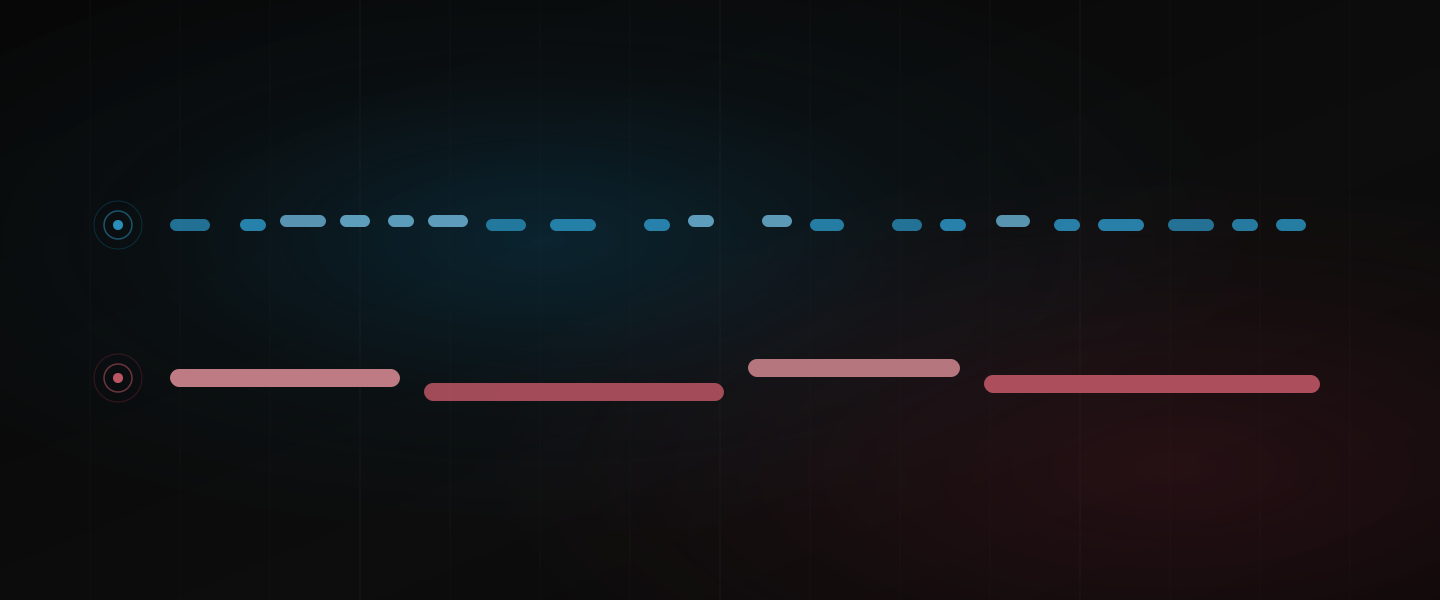
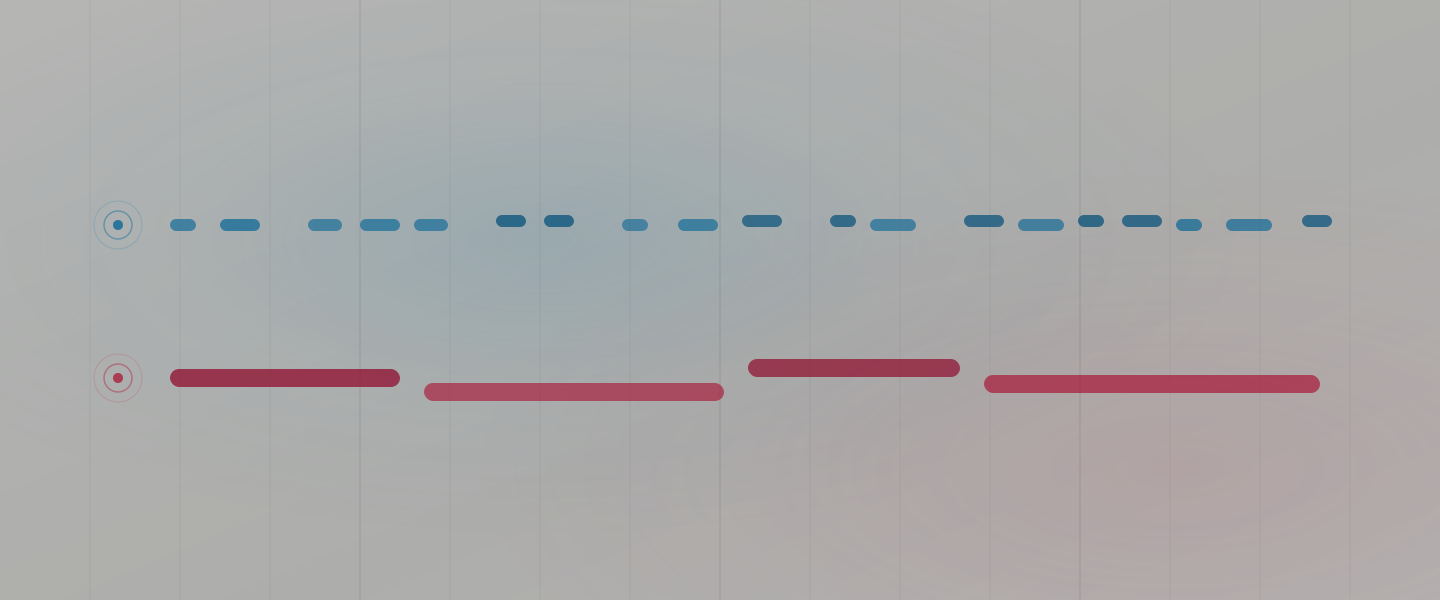
When you start a chat, you now pick one of two tiers. Standard is what you have been using and stays the default. Fast costs 3 credits a step instead of 10 and is built for the lighter work.
What Fast is for
Not every request needs the same care. “Which track is the loudest?”, “set the delay to a dotted eighth”, “mute the hats in the breakdown” and “what key is this in?” are small jobs, and so is most of a long tidying session. Fast handles them for 3 credits a step. Standard remains the tier for writing a drum pattern with a groove, a bassline that follows the chords, an arrangement or a mix pass.
Fast takes a few more steps per message, and the parts it writes are sparser. For building, that shows. For an edit or a question, it does not.
What it costs
A step is 3 credits on Fast and 10 on Standard, on every plan. Fast works in more, smaller steps, so a message saves less than the step price alone suggests. Expand any message in the chat to see the steps it took, and the pricing page has both tiers side by side.
Fast is also the answer when the month is running out. Start a new chat on Fast and you keep working at a third of the price a step while you decide whether a pack or a move up a plan makes sense.
How to pick it
In a new chat, the tier button sits in the message box, to the left of the microphone, with Standard selected. Switch it to Fast when you know the work is light and send your first message. From then on the chat stays on Fast, and the button shows the tier with a lock. A chat never changes tier, so to go back to Standard, start a new chat. You leave the old chat’s history behind, not your work, since Dawbrain reads the set in front of you.
Every plan gets both tiers, Free included, and Free starts chats on Standard like everyone else.
Start free
Dawbrain is free to start: 1,200 credits, no card. Install it, start a Fast chat for the small stuff, and tell us how it holds up at info@dawbrain.com.