Changelog · September 15, 2026
The Windows install warning is going away
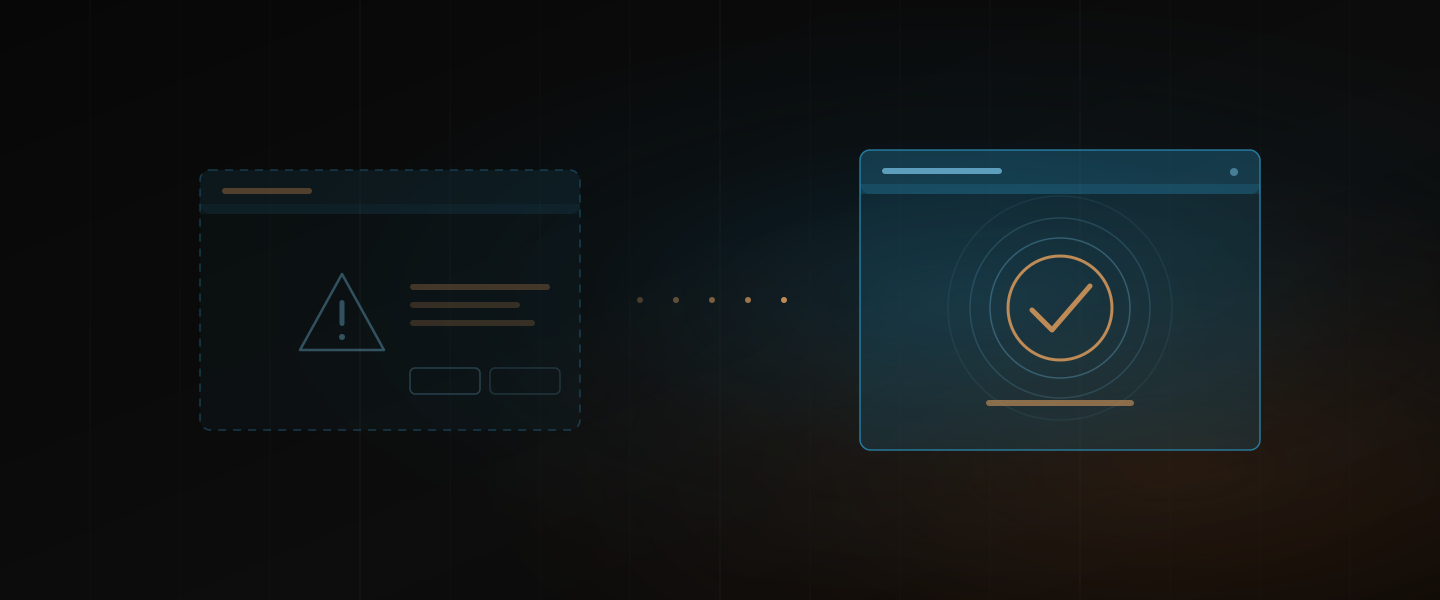
If you installed Dawbrain on Windows, you met a blue screen on the way in. “Windows protected your PC”, a Run anyway button tucked behind More info, and a moment of wondering whether you should. That was Windows saying it did not recognize the installer. Not a problem with the install, but not a good first impression either.
As of today’s release, that screen is on its way out. The Windows installer now identifies Dawbrain as its publisher, which is what Windows checks before deciding whether to trust a download. The install itself is unchanged: one command in PowerShell, then the same two steps in Ableton Live as before.
If you still see it
Windows learns to trust a newly signed installer gradually, based on how many machines have run it. So if you install in the next little while, you may still see the screen once. If you do, click More info, then Run anyway, exactly as before. It is the same installer. Once enough people have run it, the screen stops appearing for everyone.
If you already have Dawbrain
Nothing to do. Dawbrain updates itself, and updates never went through that screen.
On a Mac, nothing changes.
Install Dawbrain on Windows, and if the screen still shows up after a week or so, email info@dawbrain.com and tell us.