Changelog · October 21, 2026
Parts that fit your genre, sharper listening, pinned chats
The short version: Dawbrain writes parts that sound like the style you ask for, listens to your music faster and more accurately, and builds drum kits from the samples you already own.
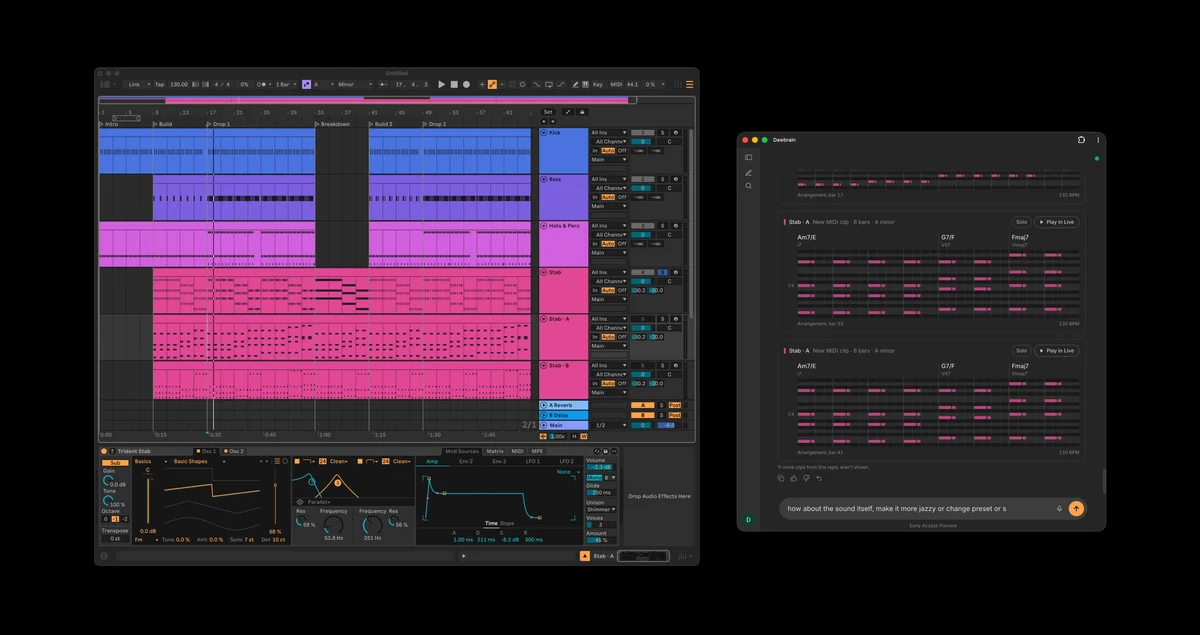
Parts that fit your genre
Drums, basslines, chords, melodies and song forms now follow the style you ask for, from techno and house to trap, afrobeat and jazz. You can also ask for a mood, such as dark or dreamy. Drums swing and push the way the style does, and asking for an alternative gives you a different groove, not a variation on the last one.
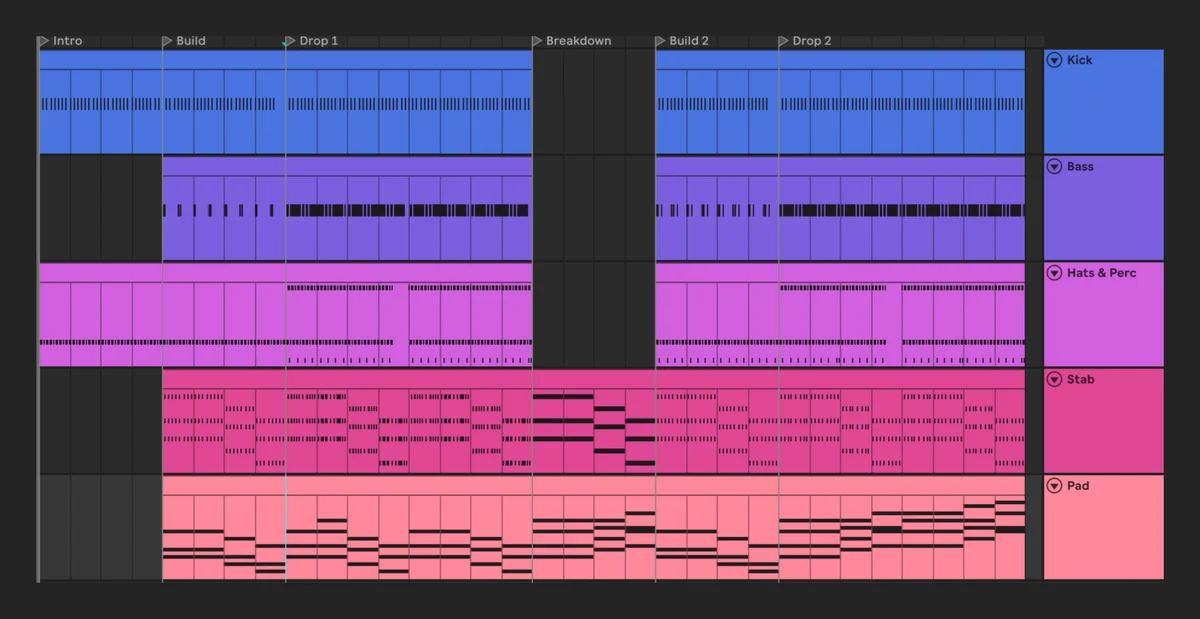
Parts come out cleaner and in key, so there’s less to fix by hand, and edits to a clip you already have are quicker and use fewer credits. Reverbs, delays and compressors from Live’s own devices sound right on the first try more often, and Dawbrain is better at designing sounds on Serum 2, Diva and Hive.
Samples at your tempo and key
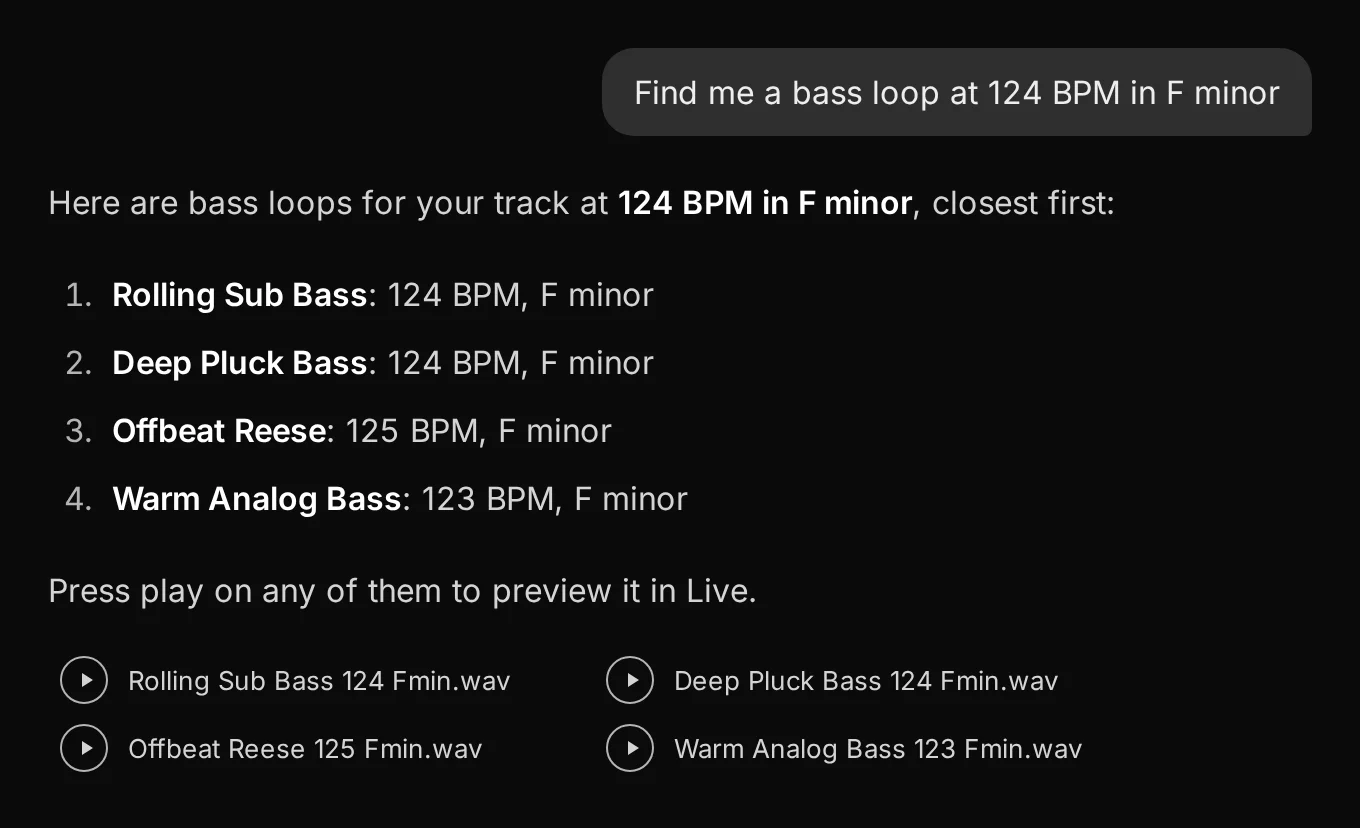
Ask for “a 124 BPM bass loop in F minor” and the closest matches come first, each with its tempo and key.
Drum kits from your own samples
Dawbrain loads samples onto drum pads straight from their files, including samples Live’s browser doesn’t list. Try “make a kit from everything in my Afro House folder”, “add the rim shot folder to this drum rack”, or “put ten closed snares on the pads so I can choose”.
Sharper listening
Ask how a sound compares to a reference, for example your kick against the kick in a reference track. Dawbrain tells you how they differ and can adjust your sound toward it, and it’s more accurate on short hits like kicks and plucks. You can also ask about one section of a long Arrangement clip instead of the whole clip.
Safer changes
Dawbrain avoids sudden big jumps in a track’s level unless you ask for one. When a request fails partway, the reply says which changes already reached Live. And setting up a session, with named and coloured tracks and devices loaded with your settings, takes fewer credits.
Pinned chats
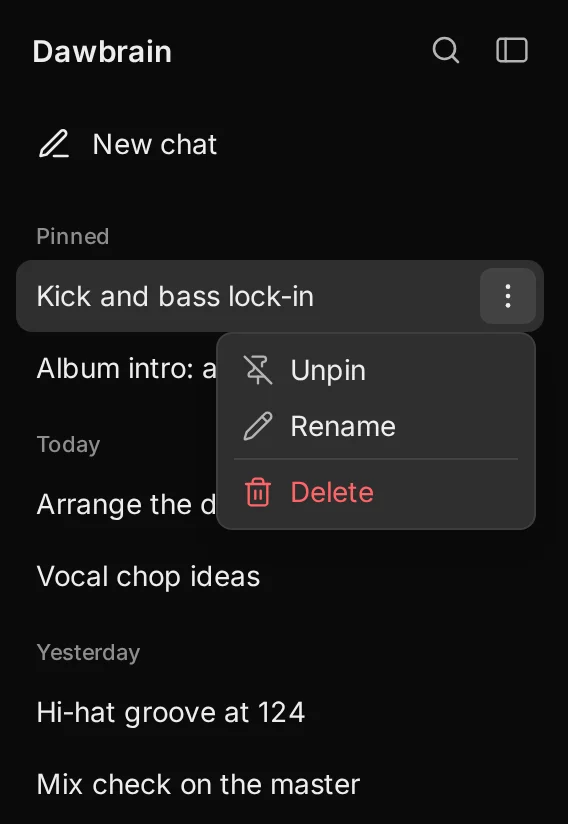
Each chat in the sidebar has a menu to pin, rename or delete it. Pinned chats stay at the top, and you can drag the sidebar wider or narrower.
Also shipped
- Dawbrain runs on macOS 11 and later, the same as Live 12.
- The app tells you when the control surface can’t update itself, and links to the installer.
- Clearer messages when Live hasn’t scanned a plugin yet, or when writing automation needs Live 12.4.
Start free
Dawbrain is free to start: 120 credits, no card, no expiry date. Install it, and come say hi on Discord or at info@dawbrain.com.