Changelog · October 4, 2026
See the music in the chat, arrange your own clips
The short version: Dawbrain now shows you what it wrote right in the chat, turns the clips you already have into a song, and saves your effect chains as presets.
Your clips, laid out into a song
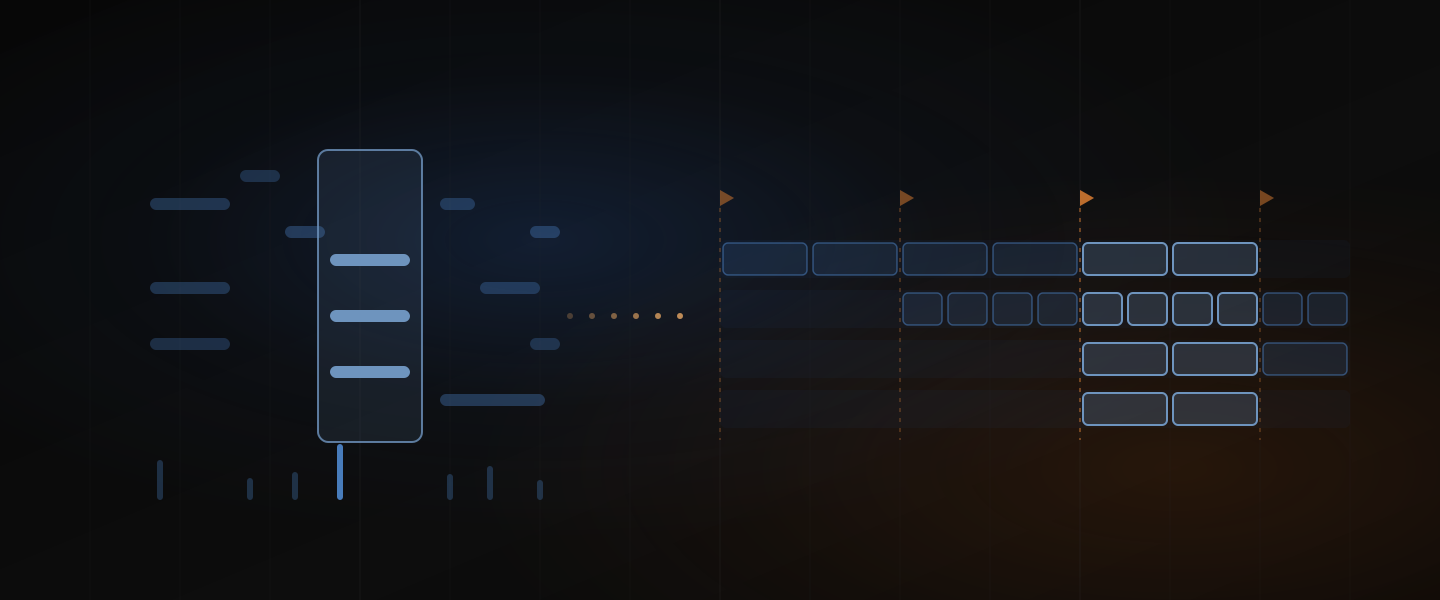
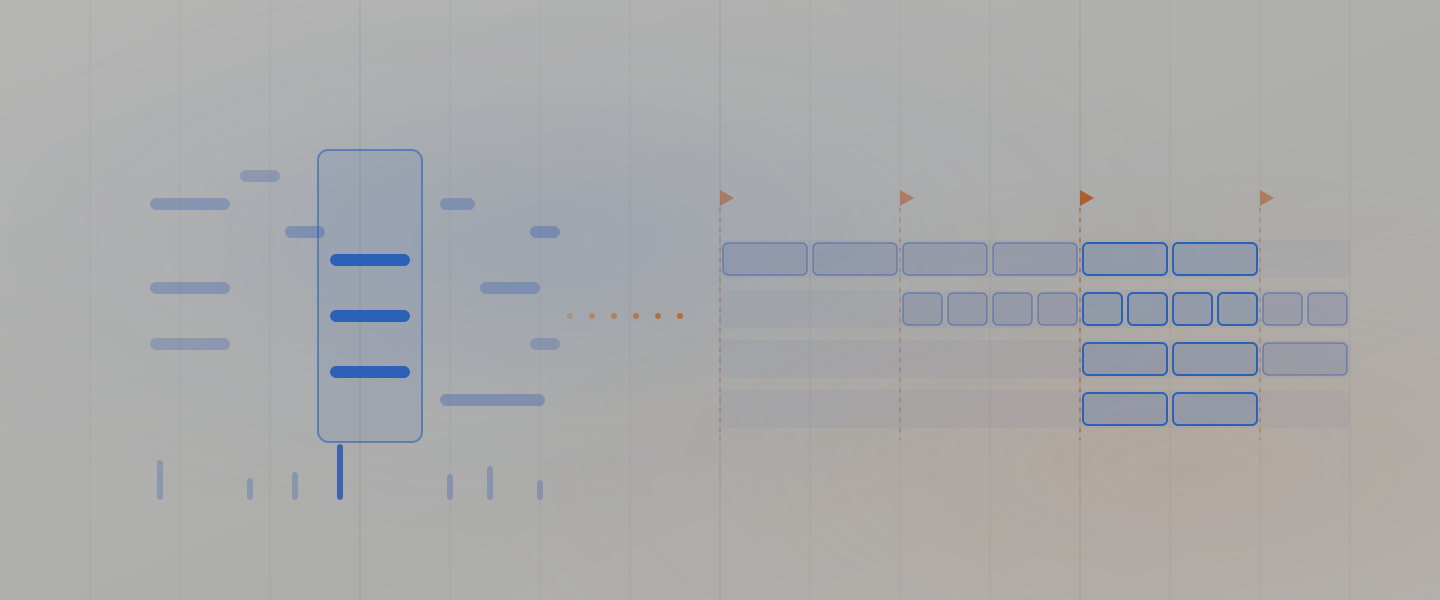
Ask Dawbrain to turn the loops in your set into a track. It suggests a form, intro to outro, adjusts it with you, then lays every clip out across the arrangement in one go, with a locator on each section.
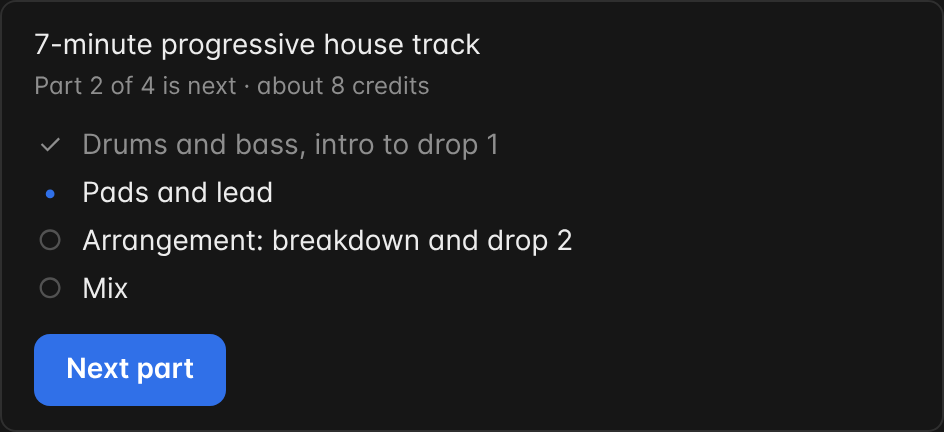
For bigger requests, Dawbrain shows a plan in parts with a credit estimate for each, and runs one part per message when you press Next part, so you hear each part before the next.
See every change in the chat
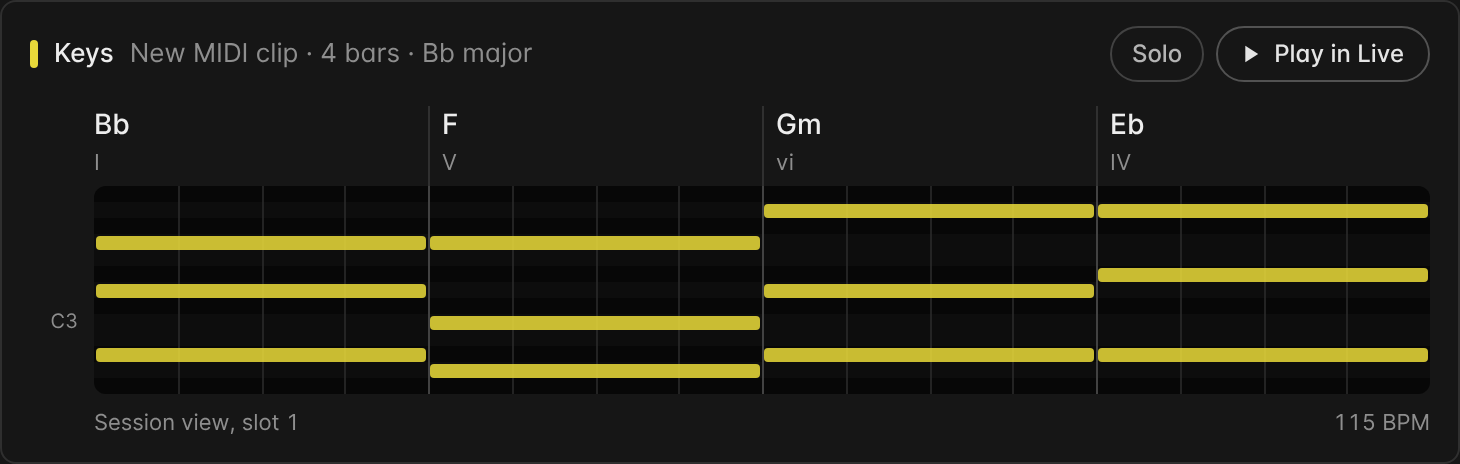
Ask for chords and the reply shows them: a piano roll with the chord in each bar. Press Play to hear them in Live, and Solo to hear them alone, at no credit cost.
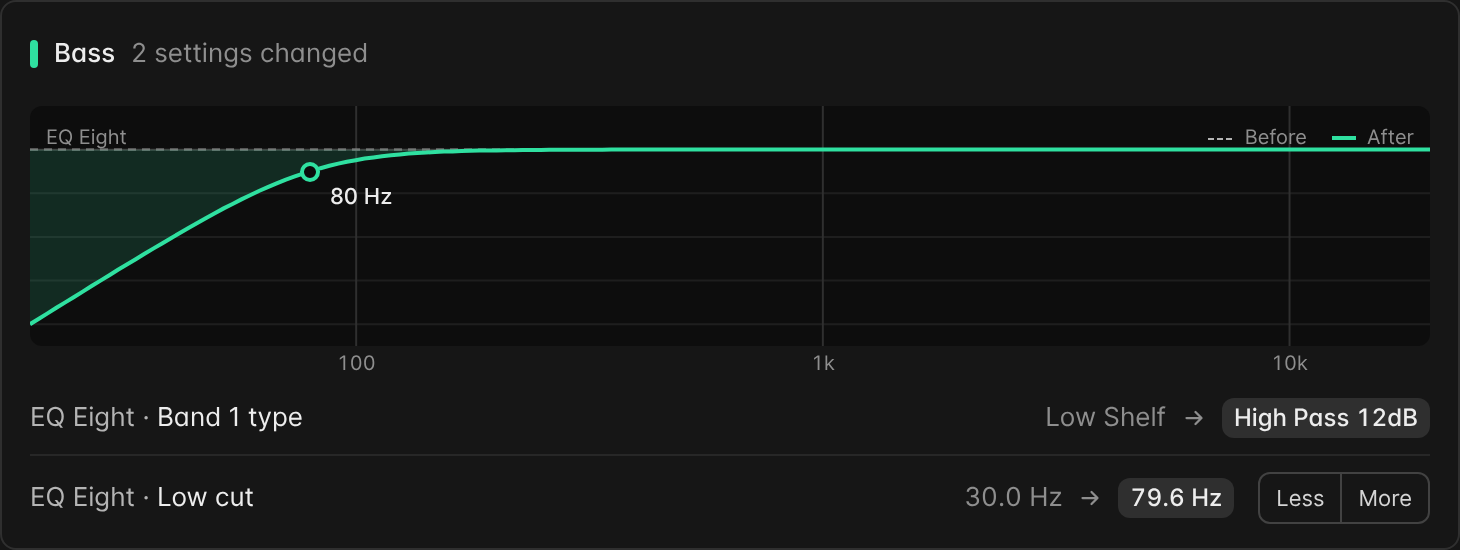
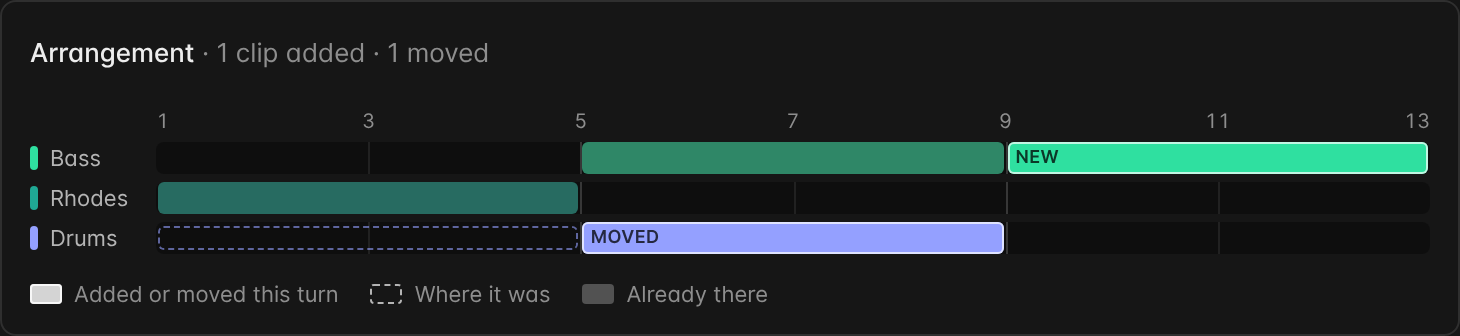
The other replies get cards too. A setting change shows the value before and after, with Less and More buttons to nudge it without sending another message. An arrangement change shows the arrangement in your track colours. A measured clip or sample shows its tempo, sections, loudness and likely key. Each card can be switched off in Settings.
More styles
Drums, bass, chords and melodies now follow 13 more styles: house, tech house, acid house, progressive house, trance, dubstep, breakbeat, electro, minimal techno, hard techno, hardstyle, future bass and orchestral, with fills and variation across the bars instead of one repeated bar.
Samples that sound like this
Point Dawbrain at a sample or a clip in your set and ask for more like it: it ranks the library by how close each sample sounds. It works on samples Live has analysed.
Effect chains you can keep
“Save this vocal chain” writes the track’s effects as an Audio Effect Rack preset in your User Library, ready for any track or set. Save the set first; native effects and VST3 plugins are saved. Dawbrain can also put a device exactly where you want it in a chain, and read the settings of Pro-C 2, Pro-C 3, Pro-L 2, Pro-G, Saturn 2, Diva and Hive alongside Pro-Q 4, as of your last save.
Themes and a desktop app
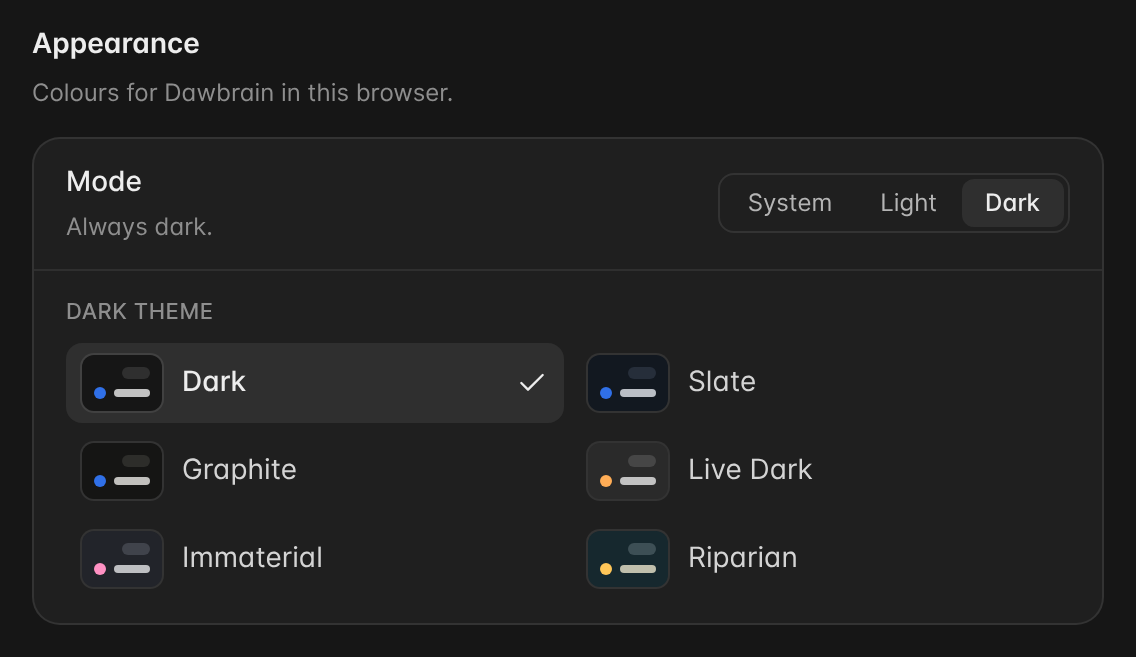
Pick a colour theme in Settings, under Appearance: ten in all, including Live Light, Live Dark, Immaterial and Riparian from Live 12, with light and dark modes that can follow your system. You can also install Dawbrain as a desktop app from Chrome, Edge or Safari, so it opens in its own window next to Live.
Fewer credits per request
Typical requests take fewer credits, and replies are shorter and lead with the answer.
Also shipped
- When Dawbrain reworks a part you made or said you like, it writes the new versions on muted copies so your original stays, and every version stays in key.
- Stop cancels what was still queued, and Continue knows why the last message stopped.
- More reliable control surface updates on Windows.
Start free
Dawbrain is free to start: 120 credits, no card, no expiry date. Install it, drop a few loops into a set, and write to us at info@dawbrain.com.